Exclaimer Email Signature Management
Why Email Signature Management Matters
Email is one of the most frequently used communication channels in modern businesses. Sales teams communicate with prospects, support teams assist customers and employees exchange thousands of messages every week.
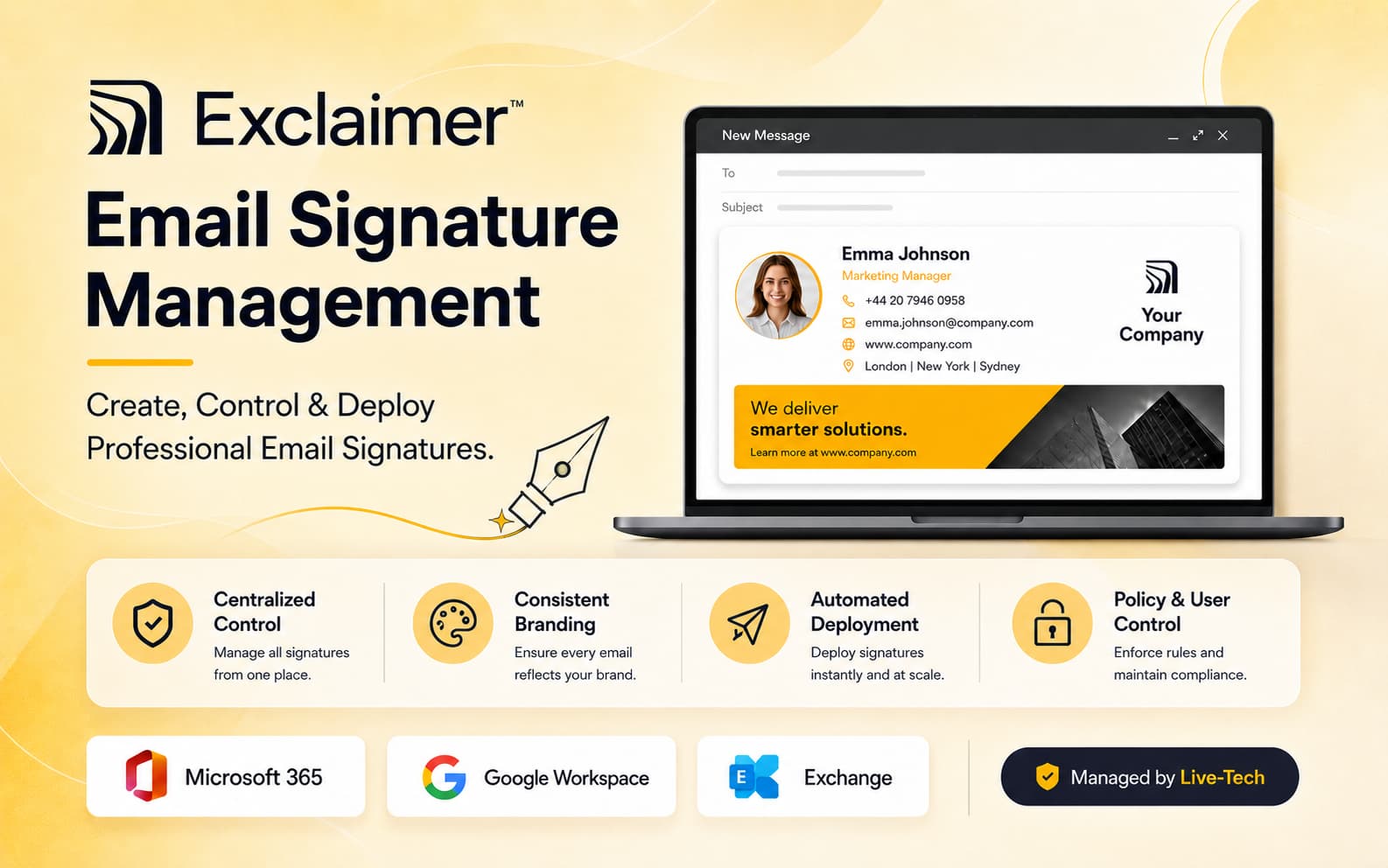
When every employee controls their own signature, organizations can quickly experience inconsistent logos, outdated telephone numbers, incorrect job titles, missing disclaimers and different formatting. Exclaimer solves this problem through centralized signature management.
More Than Just an Email Footer
Maximize the strategic impact of every business email sent across your entire organization.
Brand Consistency
Maintain approved logos, fonts, colors and company info in all signatures.
Marketing Opportunities
Promote services, events, announcements and offers with targeted banners.
Accurate Information
Keep employee names, titles and contact details auto-synced.
Centralized Disclaimers
Automatically apply legal disclaimers across all email communications.
How Exclaimer Works
Exclaimer connects with your existing email environment and helps automate signature creation, targeting and deployment across your organization.
Connect Your Email Platform
Integrate Exclaimer with Microsoft 365, Google Workspace or supported Microsoft Exchange environments.
Synchronize Employee Information
Employee names, titles, departments, email addresses and phone numbers can populate signature templates using directory information.
Design Professional Signatures
Create branded templates containing logos, contact information, social links, promotional banners, calls to action and disclaimers.
Apply Signature Rules
Assign different signatures according to departments, locations, employees, audiences and communication requirements.
Automatically Deploy Signatures
Once configured, approved signatures can automatically appear across supported email environments and devices.
Key Exclaimer Features
Centralized Signature Control
Manage organization-wide email signatures from one centralized platform instead of relying on every employee to maintain their own design.
Directory Synchronization
Automatically populate employee details using supported directory information from platforms such as Microsoft 365 and Google Workspace.
Professional Signature Templates
Create visually consistent templates containing logos, contact details, social links, promotional banners and calls to action.
Campaign Banners
Use clickable banners beneath business emails to promote products, services, events, webinars and current company campaigns.
Signature Analytics
Advanced capabilities can help organizations understand signature usage, clicks and campaign engagement.
Business Integrations
Advanced configurations can integrate with CRM, booking, HR and business tools to support more personalized email experiences.
What Businesses Gain
Present a consistent corporate identity across employee communication.
Update company-wide signature information centrally instead of asking every employee to make changes manually.
Reduce inconsistencies in employee names, roles, departments and business contact details.
Use everyday employee emails to increase visibility for services, campaigns, offers and important company updates.
Choose the Right Exclaimer Plan
Select the level of email signature management that matches your organization's requirements.
Starter
Ideal for businesses that primarily need centralized signatures, consistent branding, directory synchronization and company disclaimers.
Pro
Designed for organizations seeking advanced analytics, integrations, engagement capabilities, audit functionality and additional branding controls.
.jpg)
.jpg)
Welcome Back
Sign in to your account

Create Account
Join Live-Tech community