LastPass Managed by Live-Tech
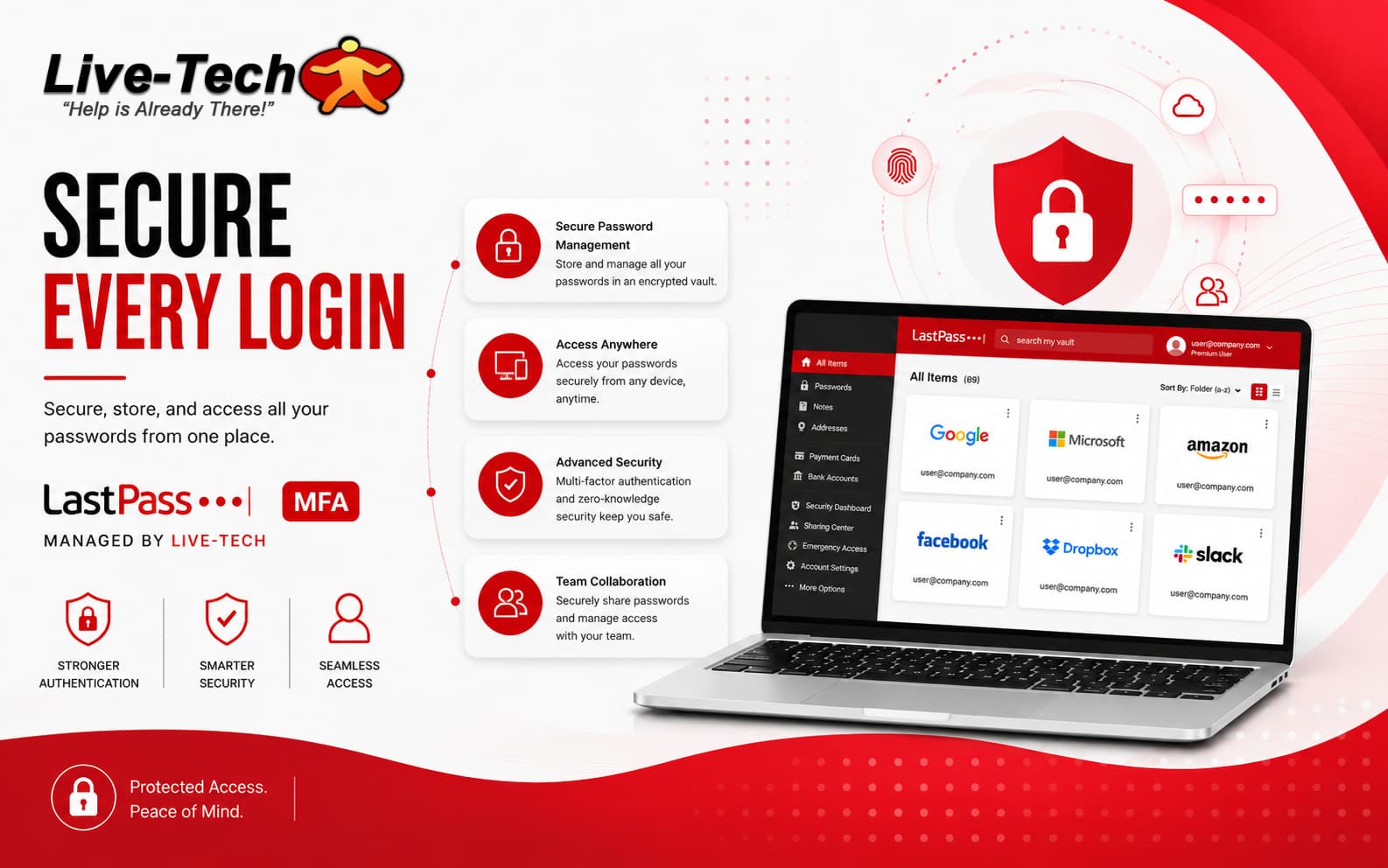
Protect Your Business Credentials with
LastPass
Business Managed by Live-Tech
Securely store, share, and manage team passwords with stronger access control, easier employee onboarding, and Live-Tech support for a safer, more organized business environment.
Password Problems Become Business Problems
Passwords protect your email, banking, Microsoft 365, websites, accounting tools, CRMs, social media, remote access, and vendor portals.
Powerful Capabilities That Empower Your Team
LastPass Business improves password security while eliminating daily access friction for your employees.
Encrypted Password Vault
Store business credentials in a zero-knowledge encrypted vault accessible securely across desktop and mobile devices.
Strong Password Generator
Generate unique, complex passwords for every company account to eliminate credential reuse across applications.
Safer Credential Sharing
Share credentials with authorized employees without casually exposing plain-text passwords or losing control.
Instant Credential Autofill
Log in faster without searching, typing, or resetting credentials on websites, portals, and web applications.
Role-Based Access Control
Assign granular user permissions and manage access seamlessly during onboarding, role changes, and offboarding.
Security Audit & Activity Logs
Maintain detailed visibility into employee password habits, credential security scores, and compliance reports.
Flexible Plans Tailored for Your Team
Select the base product to begin, add user seats as your team expands, or add LastPass MFA for maximum authentication protection.
LastPass Base Product
Core Business ServiceBegin with the core LastPass business password-management platform for your organization.
- Secure encrypted password vault
- Strong password generator
- Credential autofill & sharing
- Live-Tech setup & management
LastPass Add-On Seat
Expand Team AccessAdd additional LastPass user seats when new employees or team members require vault access.
- Individual employee vaults
- Scale access as team grows
- Role-based credential assignment
- Live-Tech onboarding support
LastPass MFA Add-On
Multi-Factor OptionAdd LastPass MFA when your business requires multi-factor authentication alongside password management.
- Multi-factor authentication layer
- Biometric & push login verification
- Risk-based access policies
- Live-Tech setup assistance
Simple Path to Organized Password Security
Select your product configuration and let Live-Tech guide your organization toward an organized credential management process.
Frequently Asked Questions
Review product options and how Live-Tech helps your organization get started cleanly.
Which option should I select first?
Select the LastPass Base Product when beginning LastPass Business for your organization.
What is the LastPass Add-On Seat?
The add-on seat option is used when an additional employee or authorized user needs a LastPass Business seat.
What is the LastPass MFA option?
LastPass MFA is the multi-factor authentication option for businesses that want an additional verification layer.
Can Live-Tech help our employees get started?
Yes. Live-Tech provides setup guidance, user onboarding assistance, best-practice guidance, and ongoing 24/7 technical support.
Stop Letting Password Problems Put Your Business at Risk
Start with LastPass Business, add seats for your growing team, or add LastPass MFA for additional authentication protection.
Start With LastPass Business
.jpg)