Microsoft Office 365 Monthly Plan – Work Smarter, Anywhere, Anytime
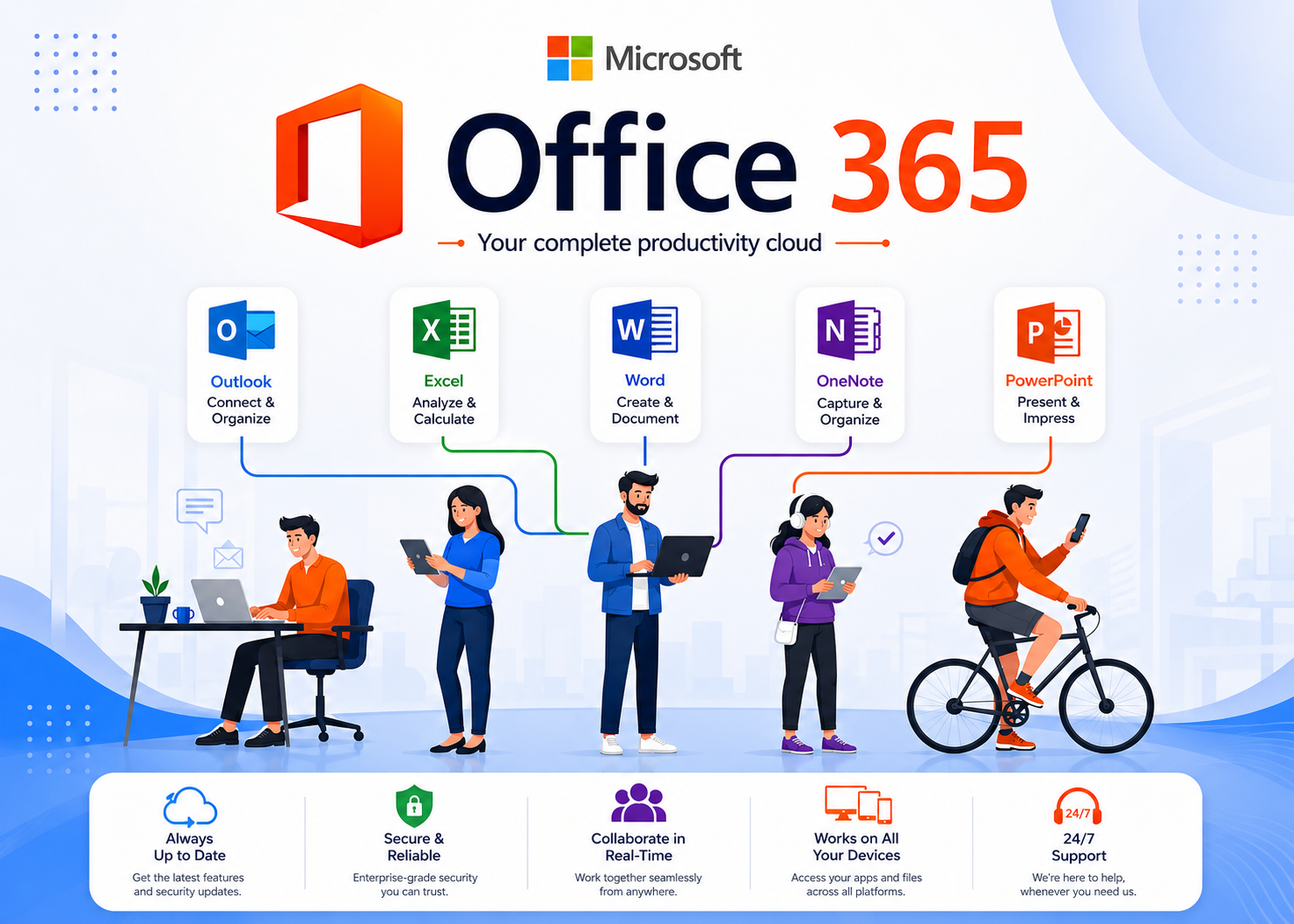
Microsoft Office 365 (now part of Microsoft 365) is a subscription-based productivity suite that includes essential tools like Word, Excel, PowerPoint, Outlook, and OneNote, along with cloud storage and collaboration features. Unlike traditional software, Office 365 runs on the cloud, meaning your files, apps, and data are always accessible and up to date.
Key Features of Office 365 Monthly Plan
1. Complete Productivity Suite
Access Word, Excel, PowerPoint, Outlook, and OneNote with continuous feature updates and security improvements.
2. Work Anywhere, Anytime
Use premium apps on PC, Mac, tablets, and phones. Log in on multiple devices simultaneously to work dynamically.
3. 1TB OneDrive Storage
Enjoy 1TB of secure cloud storage. Save files safely, share easily, and ensure your data is always backed up.
4. Real-Time Collaboration
Collaborate with teams by co-editing documents in real-time, sharing files instantly, and using integrated chats.
5. Always Up-to-Date
Never pay for another upgrade. Receive automatic new feature patches, system enhancements, and hotfixes.
6. Advanced Security
Built-in encryption and enterprise-level data protection keep files secure from malware and unauthorized access.
Why Choose the Monthly Plan?
The monthly subscription model provides ultimate flexibility and cashflow management. There are no large upfront software costs. Instead, you pay as you go, and have the freedom to scale user seats up, down, or cancel at any time.
Office 365 vs Traditional Office
| Feature | Office 365 Monthly Plan | Traditional Office |
|---|---|---|
| Payment | Monthly subscription | One-time purchase |
| Updates | Always latest version | No new features |
| Cloud Storage | 1TB OneDrive Included | Limited/None |
| Device Access | Multiple devices (PC, Mac, mobile) | Usually limited to one device |
Who Should Use Office 365?
- Businesses – For team sync
- Freelancers – For mobility
- Students – For project files
- Teams – For co-authoring

.jpg)