PC & Laptop Tune-Up + Performance Enhancement
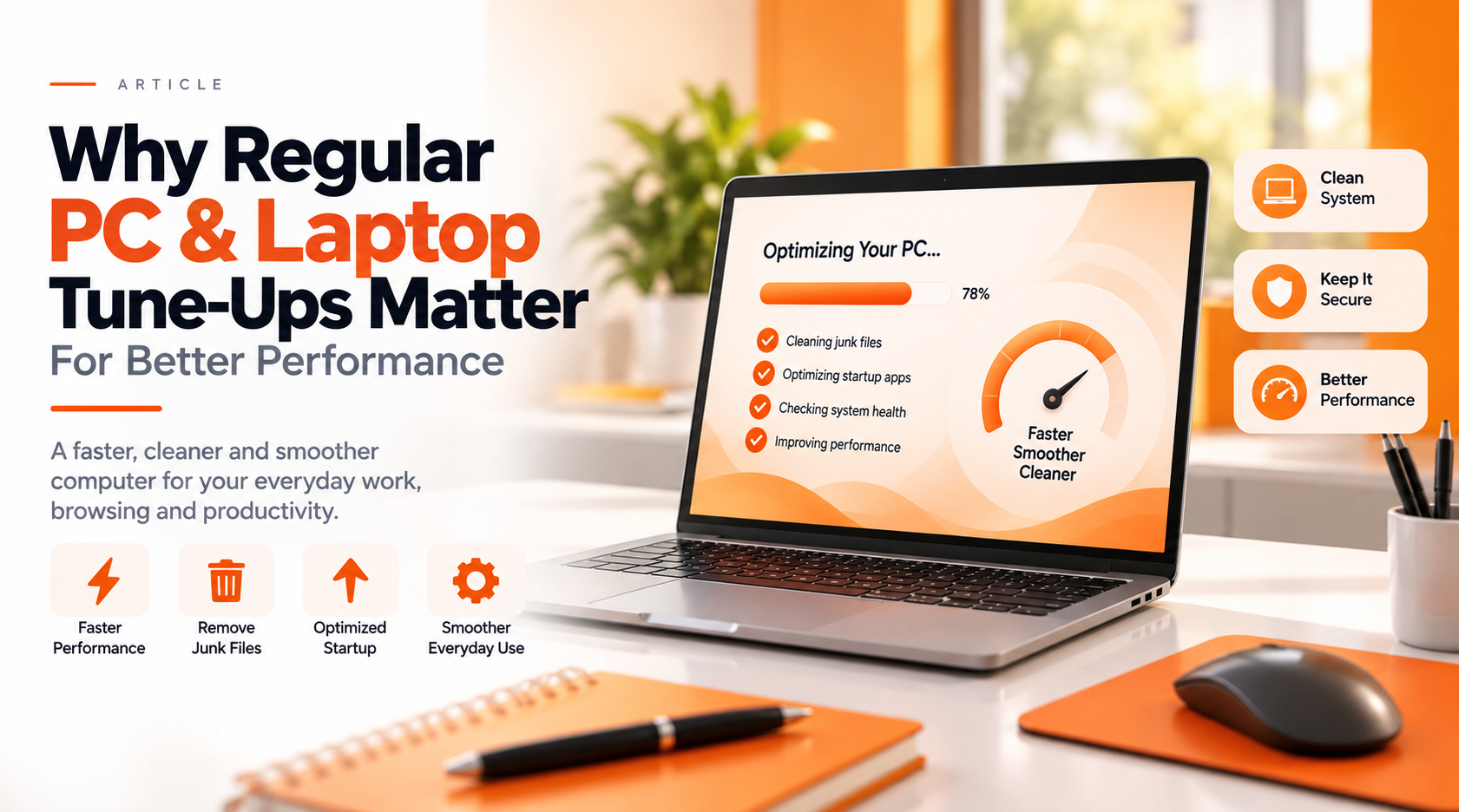
Why Regular PC & Laptop Tune-Ups Matter for Better Performance
Computers naturally collect temporary files, startup programs, browser data and background processes over time. Regular maintenance can help keep everyday computer use cleaner, smoother and more responsive.
Small Performance Problems Can Add Up Over Time
A slow computer is not always caused by one major problem. Several smaller issues can gradually affect how quickly and smoothly a PC or laptop operates.
Give Your Computer a Fresh Start
Live-Tech's Remote PC & Laptop Tune-Up focuses on practical maintenance and optimization designed to improve everyday usability.
Practical Maintenance for Everyday Performance
Performance Optimization
Common settings, background processes and system behavior are reviewed to help improve everyday responsiveness.
Junk File Cleanup
Temporary files and unnecessary digital clutter are reviewed and cleaned where appropriate.
Startup Optimization
Unnecessary startup activity can be reviewed to help reduce the load placed on your computer when Windows starts.
Windows Maintenance
Windows updates, Microsoft Store updates and common maintenance areas are reviewed to help keep the system properly maintained.
Browser Cleanup
Supported browser data and settings can be reviewed to help create a cleaner everyday browsing experience.
Basic Security Review
Core security settings are reviewed to help confirm that basic protection features are enabled and functioning as expected.
A Better Everyday Computing Experience
Faster Boot Times
Reducing unnecessary startup activity can help make getting into Windows smoother and reduce background activity after booting.
Less Digital Clutter
Cleaning unnecessary temporary files can help recover useful storage space and reduce accumulated clutter.
Smoother Everyday Performance
Reviewing background applications, maintenance items and system settings can help identify common performance issues.
Clearer Understanding of System Health
A professional review may also identify issues that require additional hardware, software or security attention.
Professional Help Without Bringing Your Computer to a Shop
The tune-up is designed to be completed remotely, making professional computer maintenance convenient from home or work.
A Better Computer Experience Starts With Good Maintenance
Computers naturally accumulate files, applications, updates and background processes as they are used. That does not mean every slow computer needs replacing. Routine maintenance can be a practical first step toward a cleaner and more responsive system.
Make Your PC or Laptop Feel Faster, Cleaner & Smoother
Get professional remote help with performance optimization, startup cleanup, temporary files, Windows maintenance, browser optimization and basic system-health checks.
Explore PC & Laptop Tune-Up
.jpg)
.jpg)