Professional Webcast & Virtual Meeting Support Services | Live-Tech
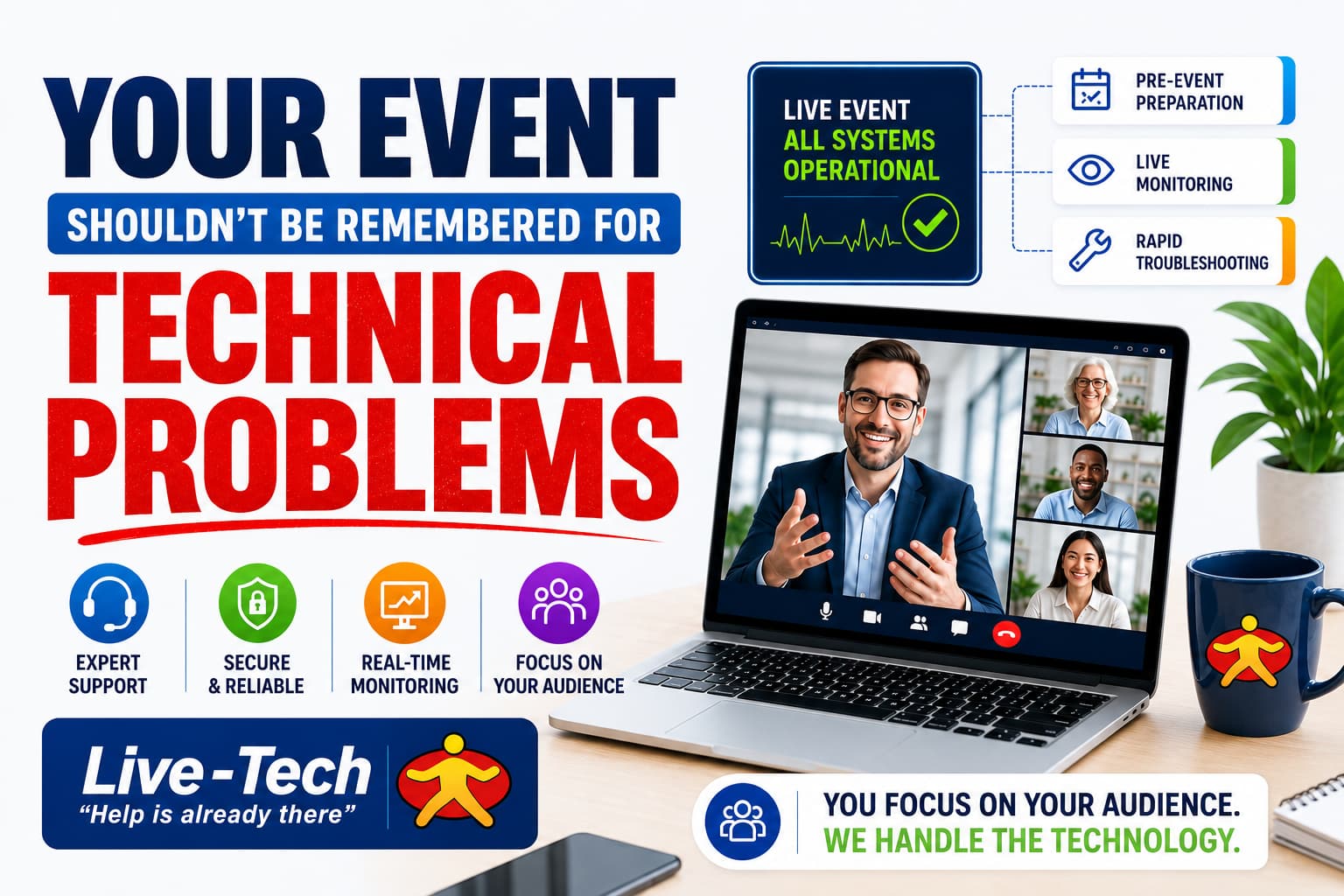
Your Event Shouldn’t Be Remembered for Technical Problems
A successful virtual event is about more than simply clicking “Start Meeting.”
Whether it’s a corporate webinar, executive meeting, client presentation, training session, product demonstration, or large online event, the technology behind the experience needs to work perfectly. A frozen screen, microphone failure, connection issue, presenter who cannot share their screen, or unexpected participant problem can quickly turn a professional event into a frustrating experience.
The Real Challenge Happens Behind the Screen
When attendees join an online event, they expect everything to simply work. They shouldn't have to think about whether the microphone is configured correctly, whether the presentation will load, whether the host can share their screen, or whether someone will suddenly lose access to the meeting.
But for the event organizer, these details matter. A professional virtual event requires preparation, testing, monitoring, participant management, troubleshooting, and a plan for unexpected problems.
Live-Tech takes care of those technical responsibilities so your team can concentrate on what actually matters: your message, your presenters, and your audience.
Before the Event: Prevent Problems Before They Happen
The best technical support is often the support you never notice. Before your event begins, Live-Tech helps prepare the virtual environment and test the important components.
Platform Configuration
Optimal setup of meeting controls and features.
Audio & Video Optimization
Crystal clear audio check and camera setup.
Screen-Share Checks
Pre-loading presentations & media verification.
Rehearsals & Access
Dry-run testing and attendee access validation.
This preparation creates an important advantage. Instead of discovering a problem when hundreds of attendees are already watching, potential issues can be identified and addressed beforehand.
During the Event: Someone Is Watching the Technology
Once the event begins, the job isn't finished. Live-Tech provides real-time monitoring of audio, video, connectivity, and other technical elements while the event is happening. If something goes wrong, the support team can respond quickly instead of leaving the presenter to solve the problem themselves.
Participant management can also be handled behind the scenes, including permissions, mute/unmute controls, chat moderation, and presenter coordination.
“Can everyone hear me?”
One Event. Multiple Things to Manage.
A virtual event may look simple from the audience's perspective. Behind the scenes, however, there are multiple moving parts that require vigilant control:
Audio & Microphones
Level checks, echo cancellation & mic config.
Camera & Video Quality
Resolution optimization & spotlighting.
Screen Sharing
Seamless desktop & window switching.
Slide Deck Control
Smooth loading and presentation flow.
Presenter Access
Co-host assignment & permission rules.
Participant Permissions
Global & individual mute control.
Chat & Audience Interaction
Q&A moderation & engagement monitoring.
Internet Connectivity
Bandwidth & connection stability watching.
Meeting Security
Disruption prevention & access control.
Unexpected Issues
Instant technician intervention & fallback.
Live-Tech brings these responsibilities together under one managed support experience.
The goal isn't simply to fix problems. The goal is to keep problems from becoming visible to your audience.
Built for the Platforms Your Team Already Uses
Businesses don't all use the same meeting platform. Live-Tech supports major platforms seamlessly.
Zoom
Webinars, Meetings & Breakout Rooms
Microsoft Teams
Executive Sessions & Corporate Meetings
Cisco Webex
Enterprise Webcasts & Conferences
Google Meet
Collaborative & Client Presentations
Security Matters Too
A professional virtual event isn't only about keeping the camera and microphone working. It also needs to be configured with security and access control in mind.
- Secure Meeting Configuration & Password Controls
- Vetted Access Controls & Waiting Room Moderation
- Active Measures to Reduce & Eliminate Disruptions
White-Glove Service
There is a big difference between having someone available if something breaks and having someone actively managing the technology. Live-Tech takes the proactive approach.
Who Can Benefit from Webcast & Meeting Support?
Particularly useful for organizations that regularly depend on professional virtual communication:
.jpg)
.jpg)